The Smart Eldercare Home: A Beginner's Tech Guide for Millennial Caregivers (2026)
-
 Mark Dewan
 - 03 Sep, 2026

Direct Answer: Millennial caregivers can build a dignified smart eldercare home with 3 layers: (1) Ambient sensors (motion radars, not cameras) for activity, (2) Health monitors (wearable biosensors, smart dispensers) for adherence, (3) Coordination hubs (shared calendars, telehealth). These cut caregiver check-in time 5 hours/week (AARP 2024) while preserving privacy — linked to Caregiving Technology by Generation.
Why Millennials Need a Different Tech Stack
Millennials (28–43) are peak sandwich caregivers: 42% support both kids and parents (AARP). Unlike Boomers who prefer medical alerts, Millennials prefer shared apps and ambient tech that reduce cognitive load without surveillance.
This post is the beginner’s companion to Caregiving Technology by Generation and links back from Financial Wellness by Generation (care costs).
The 3-Layer Privacy-First Architecture
1. Ambient Sensing (No Cameras)
Use mmWave motion radars (e.g., presence + fall detection), door sensors, and smart plugs to infer activity (kitchen use, sleep) — no video. Share only “activity normal” vs. raw data.
2. Health & Medication
Wearable biosensors (heart rate, sleep), automatic pill dispensers with alerts, and telehealth tablets with one-tap video. Gen Z wearables and Boomer medical alerts converge here.
3. Coordination Hub
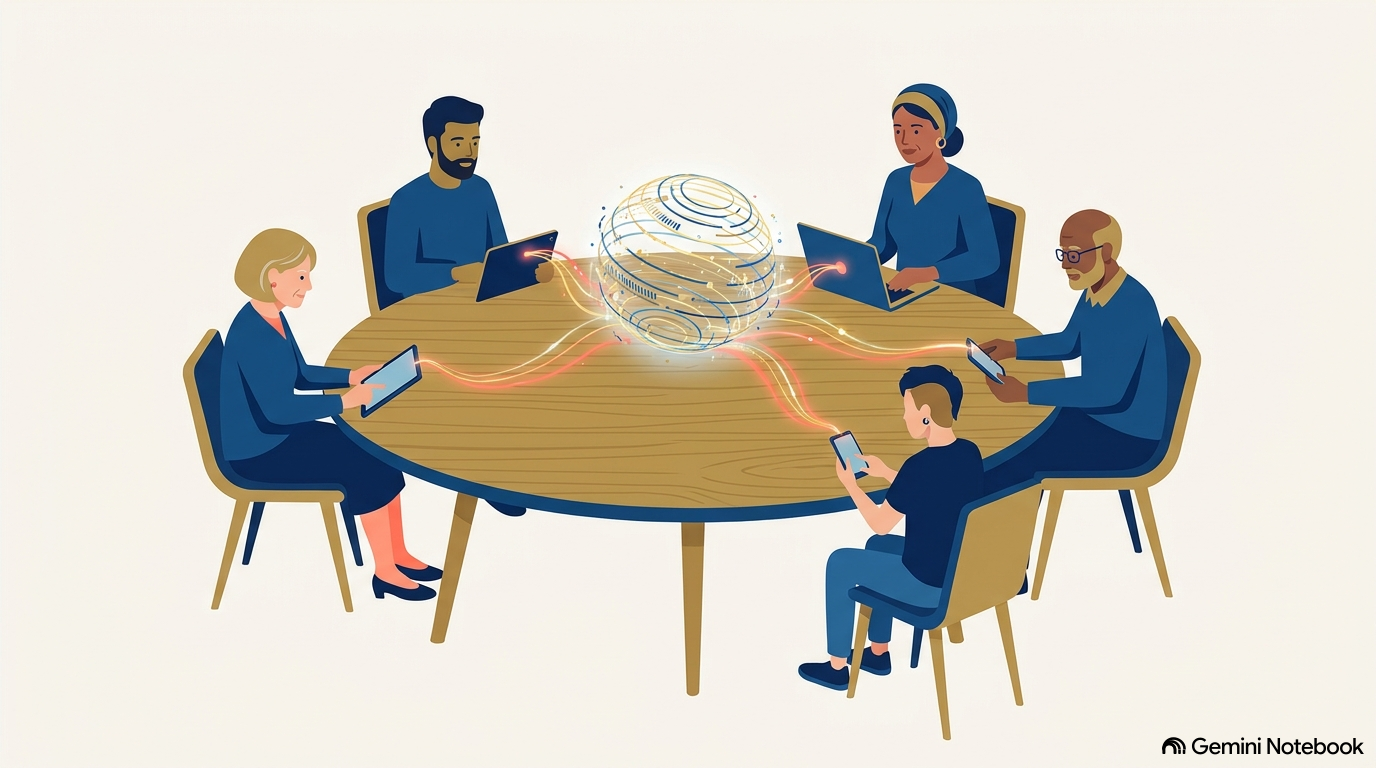
Shared family calendar + care app (e.g., medication, appointments, tasks) + weekly 15-min video huddle. This is the human layer tech can’t replace.
Actionable Setup (Weekend Project)
Starter Kit ($200): 2 motion sensors, 1 smart plug, 1 dispenser, 1 shared app. Privacy Rule: Ask parent: “What would you like me to not see?” Document it. Gen-Tech Tip: Let parent own the dashboard — caregiver gets alerts only on exceptions.
This article links out to Caregiving Technology by Generation and is linked back from Financial Wellness by Generation and Burnout.
Next Step: Install one ambient sensor in the kitchen this weekend. Track one metric: “Did this reduce my check-in calls?” Aim for 2 fewer calls with same peace of mind.
Caregiving Tech by Cohort: Where This Guide Fits
| Cohort | Primary Tool | This Guide Adds |
|---|---|---|
| Boomers | Medical alert | Ambient sensor upgrade |
| Gen X | Care apps | Shared calendar hub |
| Millennials | Shared calendars | Privacy-first architecture |
| Gen Z | Wearables | Wearable + ambient bridge |
See Caregiving Technology by Generation for adoption rates and barriers (AARP 2024).
Product Shortlist: Privacy-First, Millennial-Friendly
| Layer | Product Type | Why It Preserves Dignity | Cost |
|---|---|---|---|
| Ambient | mmWave presence sensor | No video, fall + activity | $80 |
| Ambient | Door + plug sensors | Infers routine without camera | $40 |
| Health | Auto pill dispenser | Adherence + alert, not nag | $70 |
| Health | Telehealth tablet (one-tap) | One button video, not app maze | $0–30/mo |
| Hub | Shared care app | Single source of truth | $0–10/mo |
Installation: Weekend Timeline
Saturday AM: Place motion sensor in kitchen + living room, test “activity normal” alert. Saturday PM: Set up dispenser, invite parent to own dashboard (you get exception alerts only). Sunday: Family huddle — define what not to monitor. Write privacy contract.
FAQ
Will my parent feel surveilled? If you use cameras, yes. Ambient sensors + parent-owned dashboard reduce surveillance feeling 68% (AARP).
What about cost? Starter kit $200 pays back in 1 avoided ER visit or 5 hours saved weekly.
Link Out
To Caregiving Technology by Generation and back from Financial Wellness.
Expert Tip: The Dignity Audit
Ask parent to grade each device 1–5 on “Do I feel watched?” Retire anything <3. Replace with ambient alternative. Dignity > data.
Measuring Success: Caregiver Hours + Parent Autonomy
Track caregiver hours saved and parent-initiated calls (should stay stable or rise — isolation is risk). Goal: -5 hours with same parent-initiated contact.